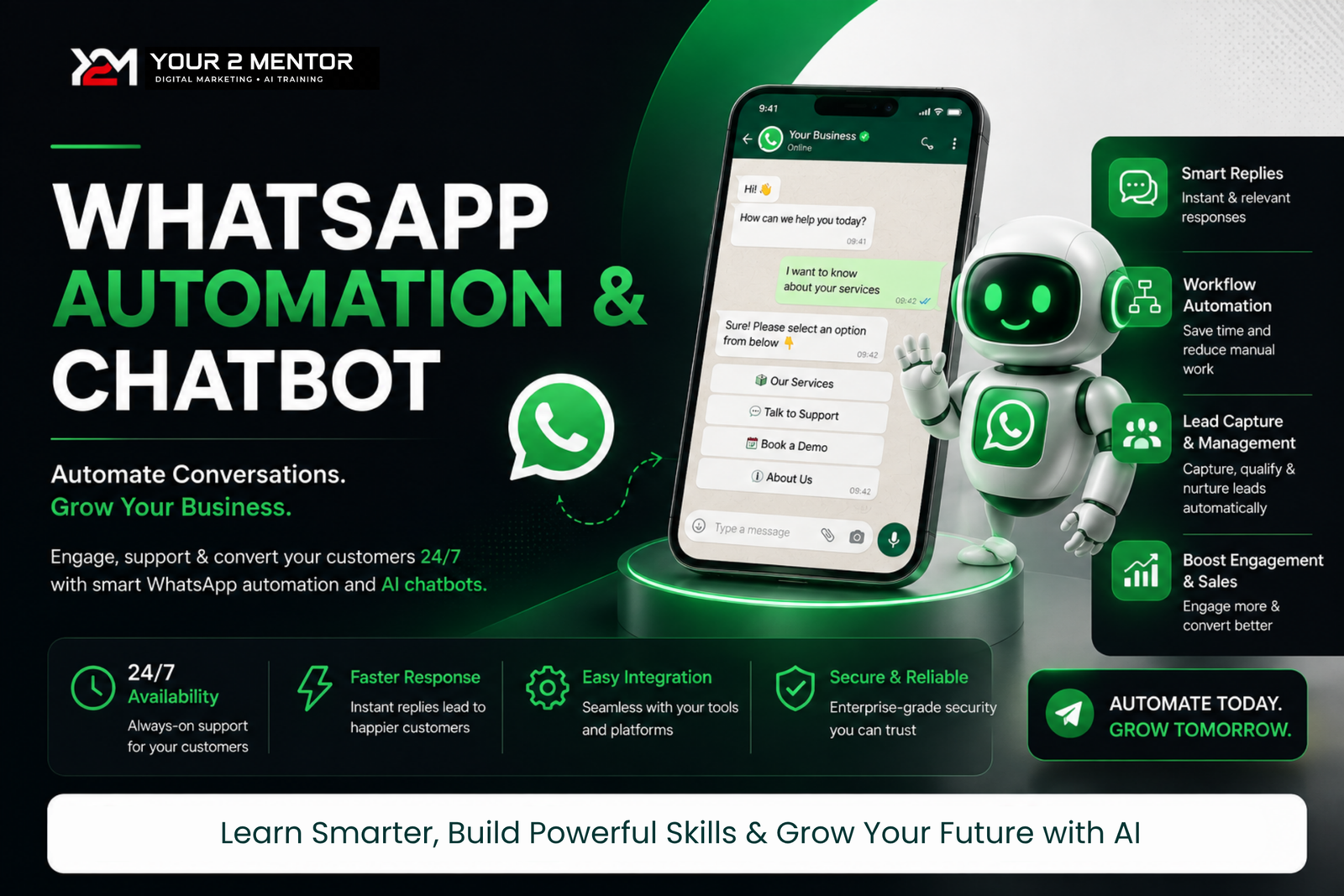
WhatsApp Automation & Chatbot
About Course
WhatsApp Automation & Chatbot course mein aap official WhatsApp Business Platform ka compliant use seekhenge. Course WhatsApp API setup se shuru hoga aur template messages, chatbot flows, auto-replies, lead collection aur customer support automation tak jayega.
Bulk messaging keval user consent, approved templates aur Meta policies ke according sikhayi jayegi. Course ka focus spam messaging ke badle business communication, lead nurturing aur customer support automation par rahega.
WHAT YOU WILL LEARN
• Meta Business aur WhatsApp API setup
• Phone number aur business verification basics
• WhatsApp message templates
• Consent-based bulk campaigns
• Chatbot flow creation
• Keyword aur button-based auto-replies
• Website lead ko WhatsApp se connect karna
• Webhooks aur API fundamentals
• Customer support automation
• Campaign reports aur troubleshooting
PLANNED CURRICULUM
- WhatsApp Business Platform Introduction
- Meta Business & API Setup
- Number Connection & Templates
- Contact Opt-in & Compliance
- Bulk Campaign Setup
- Chatbot Flow Creation
- Auto Reply & Lead Collection
- Website Integration
- Reports, Testing & Troubleshooting
DURATION
3 Weeks / Approx. 8–10 Hours
TARGET AUDIENCE
Digital marketers, small business owners, agencies, freelancers aur automation beginners.
REQUIREMENTS
Laptop/Desktop, Meta account, WhatsApp business number aur stable internet. Meta/BSP conversation charges course fee mein included nahi hain.
MATERIALS INCLUDED
Template examples, chatbot flow templates, compliance checklist, campaign checklist aur recorded lessons.
Course Content
WhatsApp Business API Fundamentals
-
WhatsApp Business App vs Official API
-
API Requirements, Pricing and Limitations
-
Opt-In and WhatsApp Messaging Policies
Meta Business, App & WhatsApp API Setup
Thrive Chat Setup & Number Connection
Bulk Messaging, Templates & Campaigns
Chatbot, Automation & Lead Management
Student Ratings & Reviews